


What software can I use to design kiss cut stickers for print?
Hey there! If you're like me, running a kiss cut sticker print supply business, you know how crucial it is to have the right software for designing those eye - catching stickers. In this blog, I'm gonna share some top - notch software options that you can use to create amazing kiss cut stickers for print.
Adobe Illustrator
First up, we've got Adobe Illustrator. It's like the king of graphic design software, and for good reason. I've been using it for ages in my sticker print business, and it never disappoints.
One of the best things about Illustrator is its precision. When you're designing kiss cut stickers, precision is key. You need to define the exact shape of the sticker and the cut lines, and Illustrator lets you do that with pixel - perfect accuracy. You can draw custom shapes from scratch using the pen tool, which is super handy if you want to create unique sticker designs.

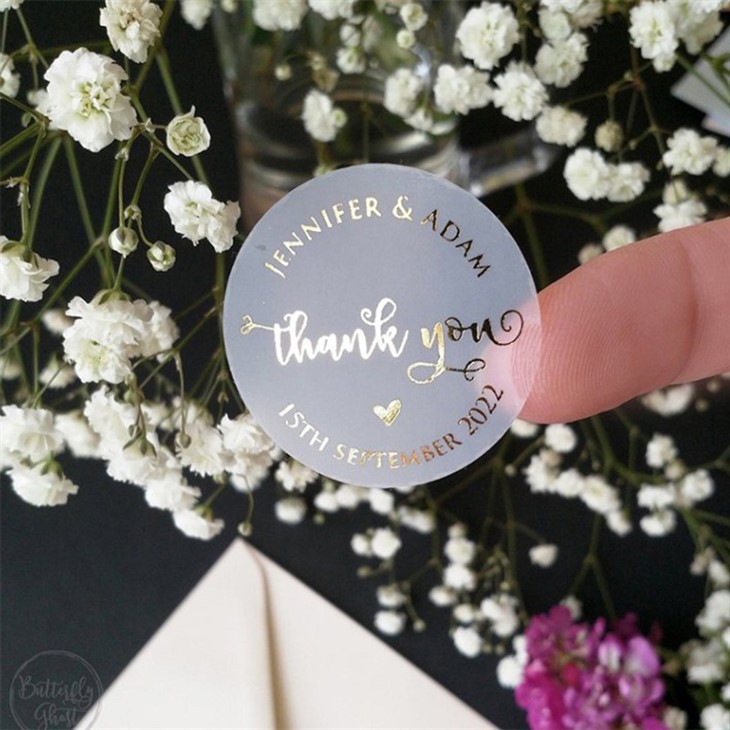
It also has a vast library of fonts and graphics. This means you can easily find the right text style and images to make your stickers stand out. Whether you're going for a cute, minimalist look or a bold, colorful design, Illustrator has got you covered.
Another great feature is the ability to work with layers. You can separate different elements of your design, like the background, the main image, and the text. This makes it easier to edit and adjust each part without affecting the others. For example, if you want to change the color of the background, you can just select the background layer and make the change.
However, Adobe Illustrator does come with a bit of a learning curve. It's a powerful tool, but it can be overwhelming for beginners. And let's not forget about the cost. It's part of the Adobe Creative Cloud suite, which means you'll have to pay a monthly subscription fee. But if you're serious about your sticker design business, it's definitely worth the investment.
Inkscape
If you're on a budget or just starting out, Inkscape is a great alternative to Adobe Illustrator. It's free and open - source, which is a huge plus for small businesses or hobbyists.
Inkscape has many of the same features as Illustrator. You can create vector graphics, draw custom shapes, and work with layers. It also has a decent selection of fonts and tools for text editing.
One of the things I like about Inkscape is its community support. There are tons of tutorials and forums online where you can get help if you run into problems. And since it's open - source, developers are constantly adding new features and improving the software.
However, the user interface of Inkscape is a bit different from Illustrator. It might take some time to get used to, especially if you're used to the Adobe way of doing things. Also, while it has most of the essential features, it might not have some of the more advanced ones that you'll find in Illustrator.
Canva
Canva is a super user - friendly design tool that's perfect for those who don't have a lot of design experience. It has a drag - and - drop interface, which means you can easily add and arrange elements on your sticker design.
There are thousands of pre - made templates available on Canva. You can choose a template that suits the style of your stickers and then customize it to your liking. This saves a lot of time, especially if you're in a hurry to get your designs ready for print.
Canva also has a large library of stock images, icons, and graphics. You can use these to add some visual interest to your stickers. And if you have your own images, you can easily upload them to Canva and use them in your designs.
The free version of Canva is quite limited. You'll have access to basic features and a smaller selection of templates and graphics. But if you upgrade to the paid version, you'll get access to more advanced features and a larger library.
CorelDRAW
CorelDRAW is another popular choice for sticker design. It's been around for a long time and has a loyal user base.
Like Adobe Illustrator, CorelDRAW is a professional - grade vector graphics editor. It offers a wide range of tools for creating and editing graphics. You can work with high - resolution images and create detailed designs.
One of the unique features of CorelDRAW is its support for different file formats. This makes it easy to share your designs with other software and printing companies. You can export your designs in formats like PDF, SVG, and PNG, which are commonly used in the printing industry.
However, CorelDRAW can be a bit expensive, especially if you're just starting out. And like Illustrator, it has a steep learning curve. But if you're looking for a powerful and reliable software for your kiss cut sticker print business, it's definitely worth considering.
Choosing the Right Software for Your Business
When it comes to choosing the right software for designing kiss cut stickers for print, there are a few things you need to consider.
First, think about your budget. If you're on a tight budget, free software like Inkscape or Canva's free version might be the way to go. But if you can afford to invest in a professional - grade tool, Adobe Illustrator or CorelDRAW could be better options.
Next, consider your level of experience. If you're a beginner, Canva's user - friendly interface might be more suitable. But if you have some design experience and want more advanced features, Illustrator or CorelDRAW would be a better fit.
Also, think about the type of stickers you want to print. If you're printing simple, text - based stickers, Canva or Inkscape might be enough. But if you're printing complex, detailed stickers with high - resolution images, you'll need a more powerful software like Adobe Illustrator or CorelDRAW.
Our Products
At our kiss cut sticker print supply business, we offer a variety of products to meet your needs. We have Kiss Cut Sticker Sheet Clear, which are perfect for creating a transparent and elegant look. Our Kiss Cut Sticker Roll is great for continuous printing and large - scale projects. And if you want something truly unique, our Kiss Cut Sticker Sheet Custom allows you to design your own stickers with any shape and size.
Let's Connect
If you're interested in our kiss cut sticker products or have any questions about sticker design and printing, don't hesitate to reach out. We're here to help you bring your sticker ideas to life. Whether you're a small business owner looking to promote your brand or a hobbyist creating personalized stickers, we've got the solutions for you.
References
- Adobe Illustrator official documentation
- Inkscape official website and community forums
- Canva official website and user guides
- CorelDRAW official resources
